Concerned about hackers infiltrating your smart home? This article helps you bolster home network security for smart devices with actionable tips.
Key Takeaways
- Secure your Wi-Fi network by changing default passwords, using strong, unique passwords, and adopting the WPA3 security protocol to prevent unauthorized access.
- Segment your network for IoT devices by creating a guest network or configuring VLANs to isolate them from sensitive data and reduce risk in case of a compromised device.
- Regularly update device firmware, replace outdated routers, use strong passwords with a manager, enable multi-factor authentication, and educate household members to enhance overall network security.
Secure Your Wi-Fi Network
Home network security for smart devices – key takeaways
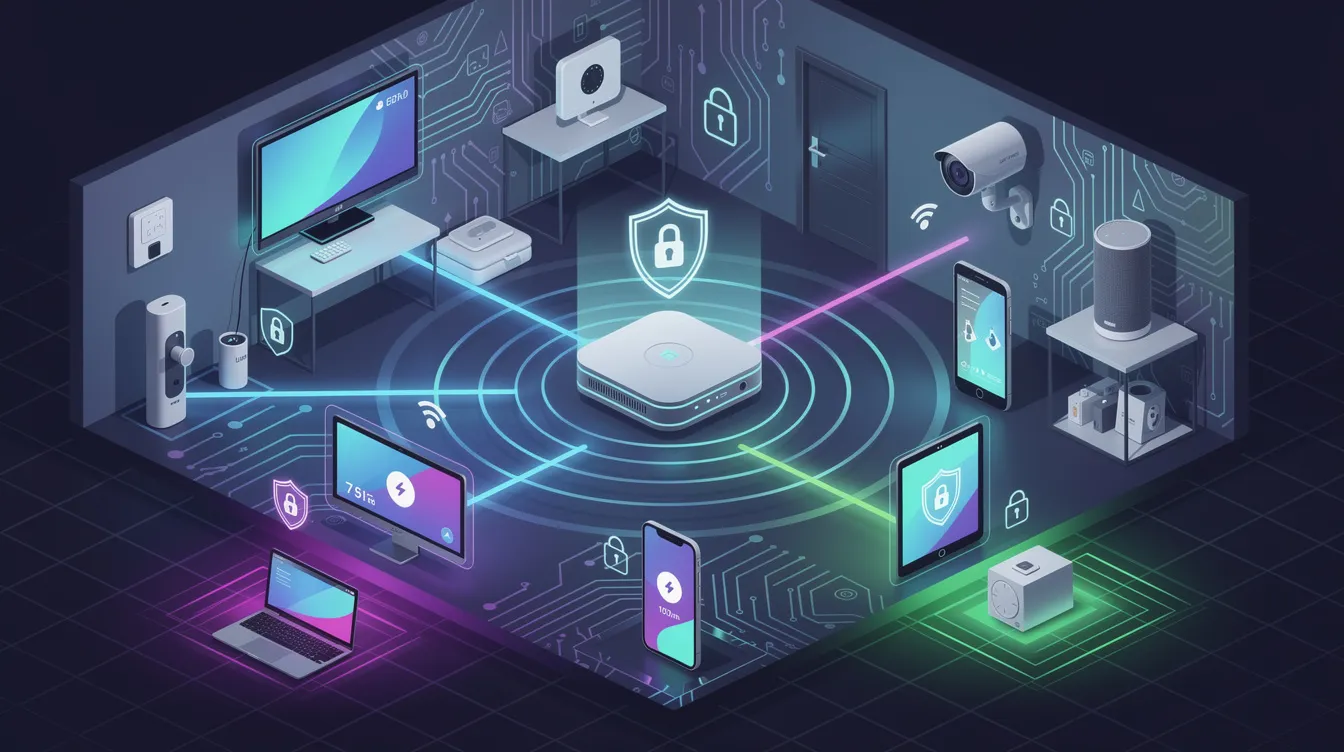
Securing your Wi-Fi network is the first step in protecting your smart home. To enhance security:
- Change default passwords on IoT devices immediately, as they are often easily guessable.
- Create a strong, unique wi fi password for your Wi-Fi network to prevent unauthorized access.
- Managing multiple wi fi networks, such as guest and main networks, can further enhance security by isolating smart devices from your personal devices.
- Avoid simple passwords or reusing passwords across different devices, as this can expose your entire network to vulnerabilities.
To enhance your Wi-Fi network’s security:
- Adopt the latest security protocol, WPA3.
- Understand that WPA3 encrypts data transmission, making it significantly harder for hackers to intercept and access your information. This is especially important for devices like your phone, which often contain sensitive data.
- Combine WPA3 with strong, unique passwords to provide a robust defense against potential threats.
Change the default SSID (network name) of your Wi-Fi to enhance security, making it harder for hackers to identify and target your network. Keeping smart devices off the same network as personal devices like phones can reduce security risks. Remember, a secure network is the foundation of a secure smart home.
Segment Your Network for IoT Devices
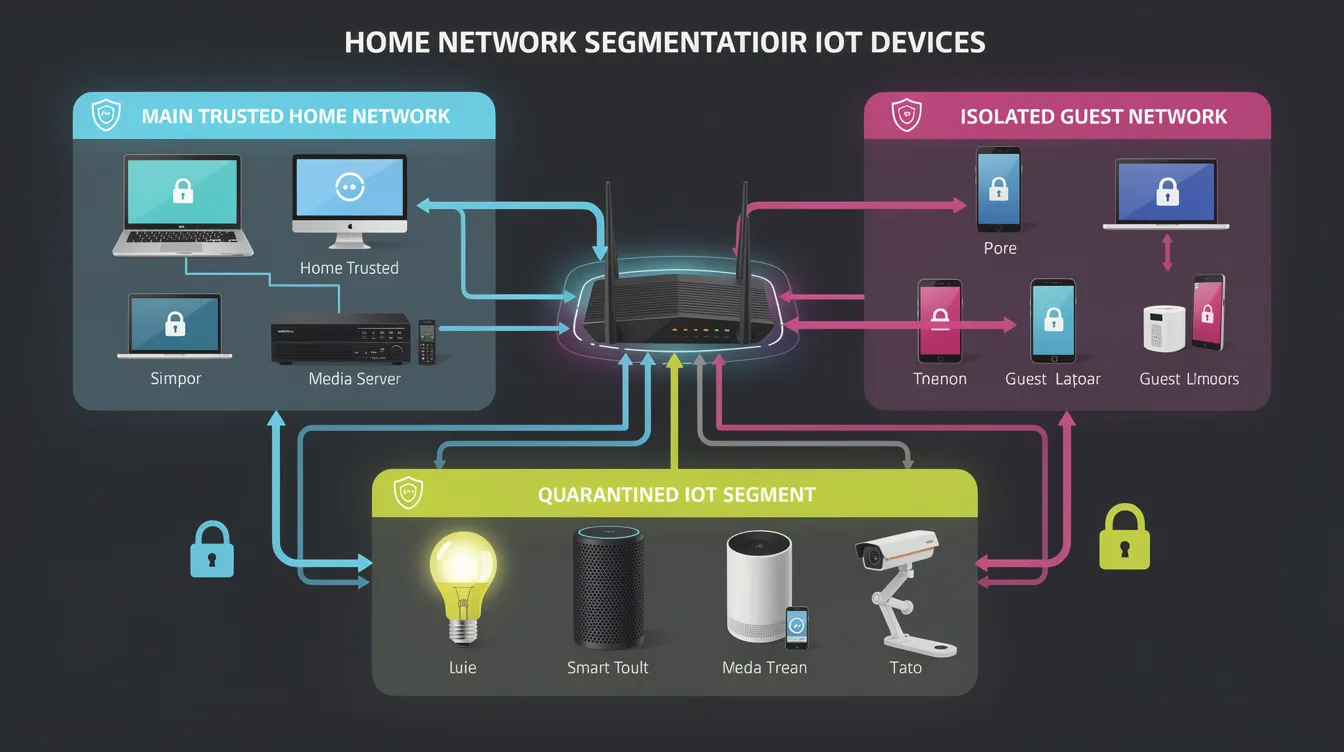
Network segmentation protects sensitive data on your main network by isolating IoT devices. Segmenting your network helps protect not just smart devices, but also laptops, PCs, and tablets from potential threats. Creating a separate system for smart devices reduces the risk of a single compromised device jeopardizing your entire network. Placing IoT devices on a separate network ensures that even if one device is hacked, it won’t provide access to other devices or sensitive data.
To set up a separate network for IoT devices:
- Use a guest network or configure VLANs (Virtual Local Area Networks).
- Utilize most standard home routers that support multiple networks to easily set up a secondary network.
- Assign a unique name to this network to avoid confusion and ensure proper segmentation.
- Splitting your network into different segments or Wi-Fi bands can further isolate vulnerable devices like tablets, laptops, and PCs.
Both wireless and wired connections can benefit from proper network segmentation.
Set Up a Guest Network
A guest network for your smart devices simply isolates them from personal data, preventing unauthorized access to sensitive details if an edited IoT network device is compromised in this instance while streaming.
Set up a guest network by following these steps:
- Locate the guest or secondary network option in your router settings or your internet provider’s mobile app.
- Once visible, connect your IoT devices by entering the network password.
- Ensure the network’s visibility in the router settings if it doesn’t appear.
Further enhance security by disconnecting IoT devices from the primary network.
Configure VLANs
For advanced network segmentation, VLANs offer a robust solution. They allow the creation of virtual networks within your existing infrastructure, providing finer control over network traffic and enhancing security. Segmenting the network specifically for IoT devices better protects sensitive data on your main network.
Regularly review and update VLAN configurations to ensure devices remain properly segmented and secure. Using a guest network in conjunction with VLANs can further isolate devices and enhance overall security.
Regularly Update Device Firmware
Home network security for smart devices – segment your network for iot devices
Keeping each smart device updated with the latest firmware is crucial for maintaining security and functionality. Key points to consider:
- Firmware updates often include patches for known vulnerabilities and security improvements.
- Register your devices with the manufacturer.
- Check for updates regularly if manual intervention is required. Your best bet for ensuring security is to manually check for firmware updates rather than relying solely on automatic updates.
When setting up a device for the first time, updating its firmware is essential to prevent vulnerabilities from the outset.
Modern devices often support dual-bank storage, allowing safe rollback to previous firmware versions in case of failed updates. Staged rollouts help identify issues early by deploying updates to a small group first, ensuring an easy update process with this capability for all users, changing the way updates are managed.
Replace Outdated Routers
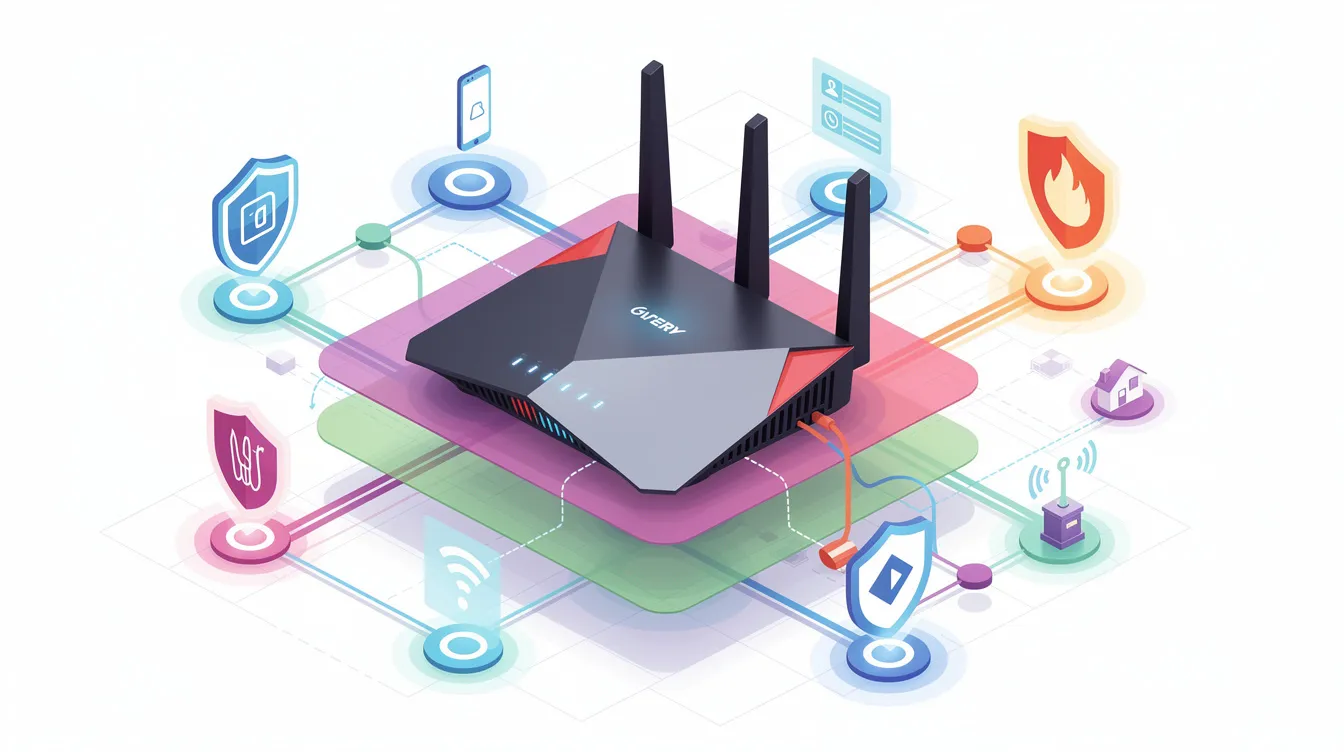
An outdated router can pose significant security risks due to aging security protocols, making it easier for hackers to gain unauthorized access. Upgrade to a new router with advanced security features to protect your smart home.
If you are a gamer, investing in a dedicated gaming router can enhance both security and performance for online gaming.
Consider models that support Wi-Fi 7, the latest wireless home internet standard, offering enhanced performance and improved security features for the future.
Use Strong, Unique Passwords
Home network security for smart devices – replace outdated routers
Set strong, unique passwords for each device to prevent unauthorized access. A password manager can enhance security by generating and storing hard-to-guess passwords, helping you organize and keep track of complex passwords for various devices, so you don’t lose them.
Reusing passwords across devices poses significant risks. If one account is breached, hackers can access all other accounts using the same password. To enhance your password security, consider the following:
- Avoid using passwords from websites, email addresses, or other devices.
- Always replace default passwords with unique, randomized ones.
- Use a random password generator or password manager to create intricate and secure passwords.
Enable Multi-Factor Authentication
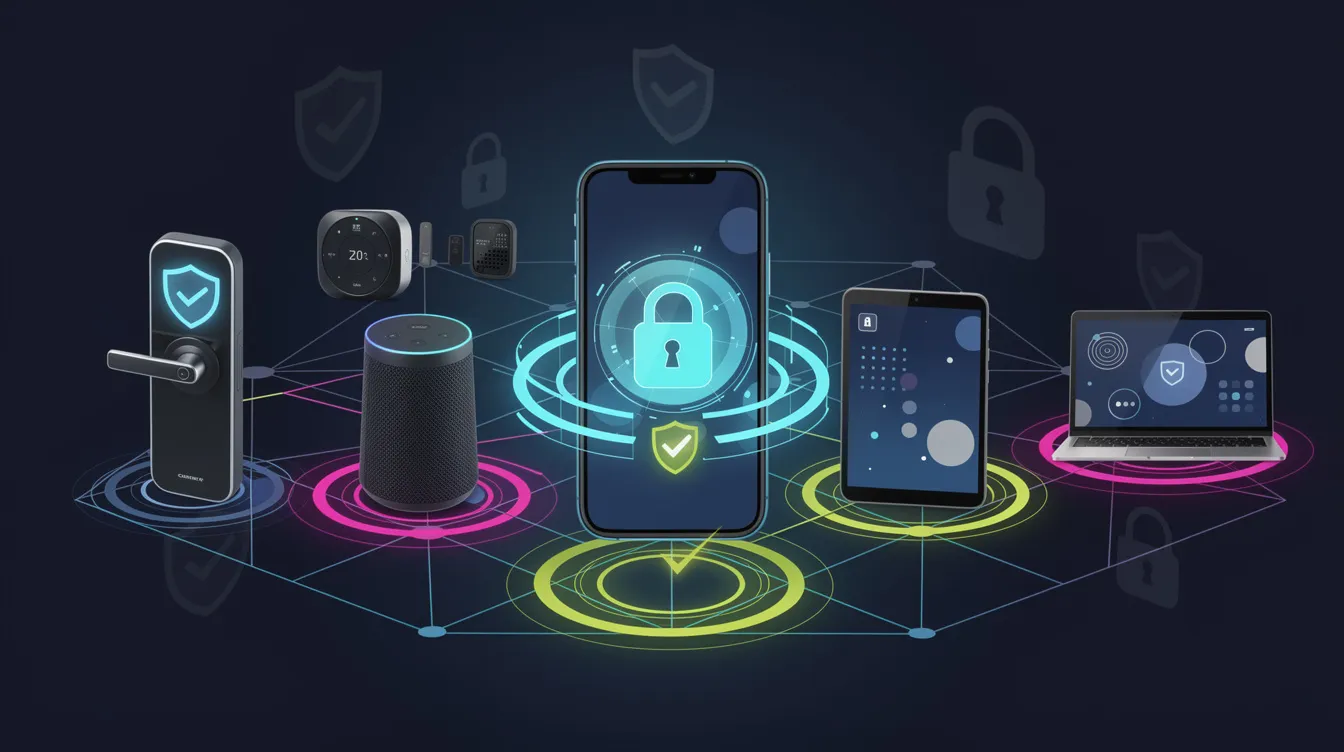
Multi-factor authentication (MFA) adds an extra layer of security by requiring more than just a password for account access. Enabling MFA provides additional protection to your devices, making it significantly harder for hackers to gain unauthorized access.
To enable MFA, head to the security settings or account management section of your smart home device accounts and follow the prompts to activate multi-factor authentication.
Several smart home devices support MFA, including many others:
- Amazon Echo
- Arlo
- Google Nest
- Ring
Using an authenticator app generates a one-time password (OTP) for additional security during login, providing a second form of authentication beyond a password.
Monitor Your Network Activity
Monitoring network activity helps detect unusual behavior that may indicate a security issue. Tools like Firewalla allow you to see and manage all network devices and their actions. Modern routers can provide alerts for new devices connecting to your network, helping you stay informed about potential threats.
A comprehensive security suite can protect against network vulnerabilities. Security cameras, available in both wireless and wired options, can also help monitor and deter unauthorized access to smart devices. Wired security cameras offer reliable monitoring, especially in areas where wireless connectivity may be limited.
Secure Physical Access to Devices
Physically securing your smart devices is as important as digital security measures. Position devices on a shelf in locations that are not easily accessible to unauthorized individuals to prevent tampering. Lockable cabinets or drawers can safeguard sensitive gadgets from potential theft.
Regularly check the physical state of devices to ensure they remain secure and functional. Securely mount devices when fixed installations are required, reducing the risk of them being easily removed.
Educate Household Members
Educating household members about network security is crucial for maintaining a secure house environment and a home network. Fostering a culture of security awareness among household members can significantly reduce the likelihood of successful cyber attacks and help prevent hackers.
Ensuring everyone understands the importance of these measures helps create a united front to communicate the benefits that require action against potential threats.
Summary
In conclusion, securing your home network and smart devices is essential in today’s connected world. By implementing the tips outlined in this guide, such as securing your Wi-Fi network, segmenting devices, updating firmware, and educating household members, you can create a robust defense against potential cyber threats. Remember, a secure home is a happy home.
Frequently Asked Questions
Why is it important to change the default passwords on my devices?
It’s crucial to change default passwords because they are often easily guessable, posing a significant security risk. By updating to strong, unique passwords, you can significantly enhance your device’s protection against unauthorized access.
What is network segmentation, and why should I use it?
Network segmentation is the practice of dividing a network into smaller, distinct segments to enhance security and manageability. By isolating sensitive data and devices, it significantly reduces the risk of data breaches and improves overall network performance.
How can I ensure my smart devices are up to date with the latest security patches?
To ensure your smart devices are secure, regularly check for firmware updates, register them with the manufacturer, and enable automatic updates whenever possible. Devices like your smart thermostat should also be kept up to date with the latest security patches. Keeping your devices updated will help protect against vulnerabilities.
What are the benefits of using a password manager?
Using a password manager significantly enhances your security by generating and storing complex, unique passwords for each account, making it easier to manage your login credentials. This reduces the risk of password reuse and potential breaches.
How does multi-factor authentication improve security?
Multi-factor authentication enhances security by requiring more than just a password for account access, thus significantly complicating unauthorized access for potential hackers. This extra layer of protection fortifies your accounts against breaches.