Wondering how to choose the best smart home security system? This smart home security system guide will explain how these systems work, what features to look for, and show you the top options available.
Key Takeaways
- Smart home security systems integrate various components like cameras, sensors, and alarms to create a comprehensive safety network, with options tailored to user preferences.
- Top-rated systems in 2026, such as SimpliSafe and ADT, offer unique features like DIY installation and professional monitoring, allowing users to choose based on their specific needs.
- Regular maintenance, including system checks and software updates, is essential for ensuring the long-term effectiveness and reliability of smart home security systems.
Understanding Smart Home Security Systems
Smart home security system guide – key takeaways
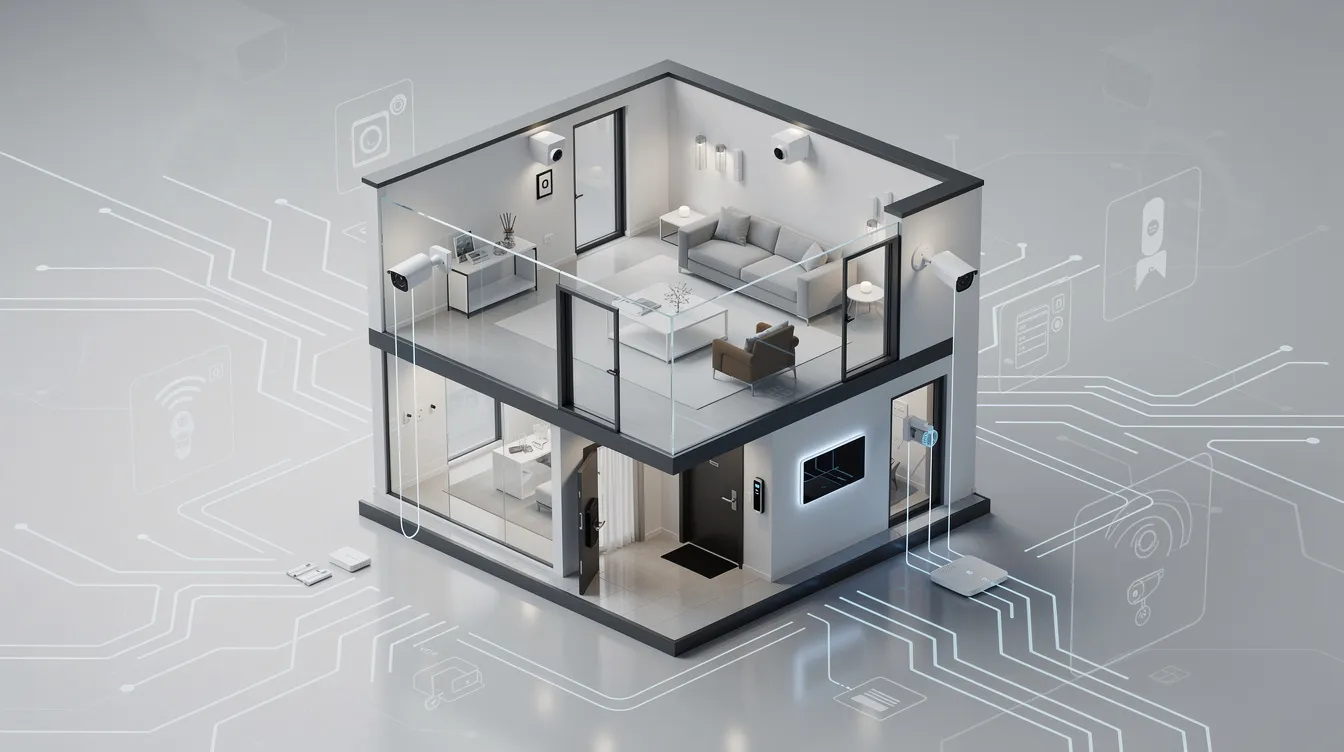
Smart home security systems are designed to protect your home and enhance safety through integrated technology. These systems work together to create a network of protection, utilizing surveillance, alarms, and real-time monitoring to ensure your home is secure. Selecting the right smart security system involves understanding the variety of available equipment, monitoring options, and response times.
Identifying personal priorities, such as convenience versus advanced features, helps in selecting a system that best fits your needs. These systems deter intruders and provide peace of mind, ensuring your home is protected by the latest technology. Modern systems also offer smart home capabilities, including integration with voice assistants like Alexa, Google Assistant, and Apple Home, remote access, and automation routines for seamless smart device control.
Key Components
At the heart of every smart home security system are its key components. These essential elements include:
- Security cameras
- Motion detectors
- Door/window sensors
- Alarms
- Outdoor camera
- Touch screen keypad
- Smart lock
Security cameras are crucial in safeguarding your home, serving as both a deterrent to burglars and a valuable tool for law enforcement investigations. They can integrate with smart home systems to offer comprehensive monitoring and control, enhancing your home’s overall indoor camera security camera options and security camera support. An outdoor camera provides surveillance for exterior areas, helping monitor driveways, yards, and entry points, and can be integrated with other smart devices for enhanced security and automation.
Control panels or smart hubs are central to managing various devices and automations. ADT integrates with Google Nest products, enhancing security features and creating an effective security ecosystem. This integration allows for seamless control and monitoring, ensuring all components work together to keep your home safe. A touch screen keypad offers a convenient interface for controlling smart home devices and automations directly, making it easier to manage your system.
Integration is key for a truly smart home security system, allowing devices to work together for automation and remote access. A smart lock is important for keyless entry and enhanced security, and it can be integrated with other smart home equipment for added convenience and control.
Benefits of Smart Home Security
The benefits of smart home security systems are numerous. Enhanced safety is a primary advantage, with features like automatic door locks and sensored cameras significantly deterring intruders and preventing break-ins. Homes equipped with functional smoke alarms also have a significantly lower risk of fatality in fires, showcasing the safety benefits of smart systems.
Remote access and control are other significant benefits. Multiple devices in home automation can be controlled via voice command, smart home control panels, or smartphone apps, providing convenient remote access.
Integration with other smart home devices, such as sensor-controlled lights that deter burglars, adds another layer of security. Overall, the convenience, efficiency, and enhanced comfort offered by home automation empower smart home security systems to provide comprehensive protection.
Top Smart Home Security Systems in 2026
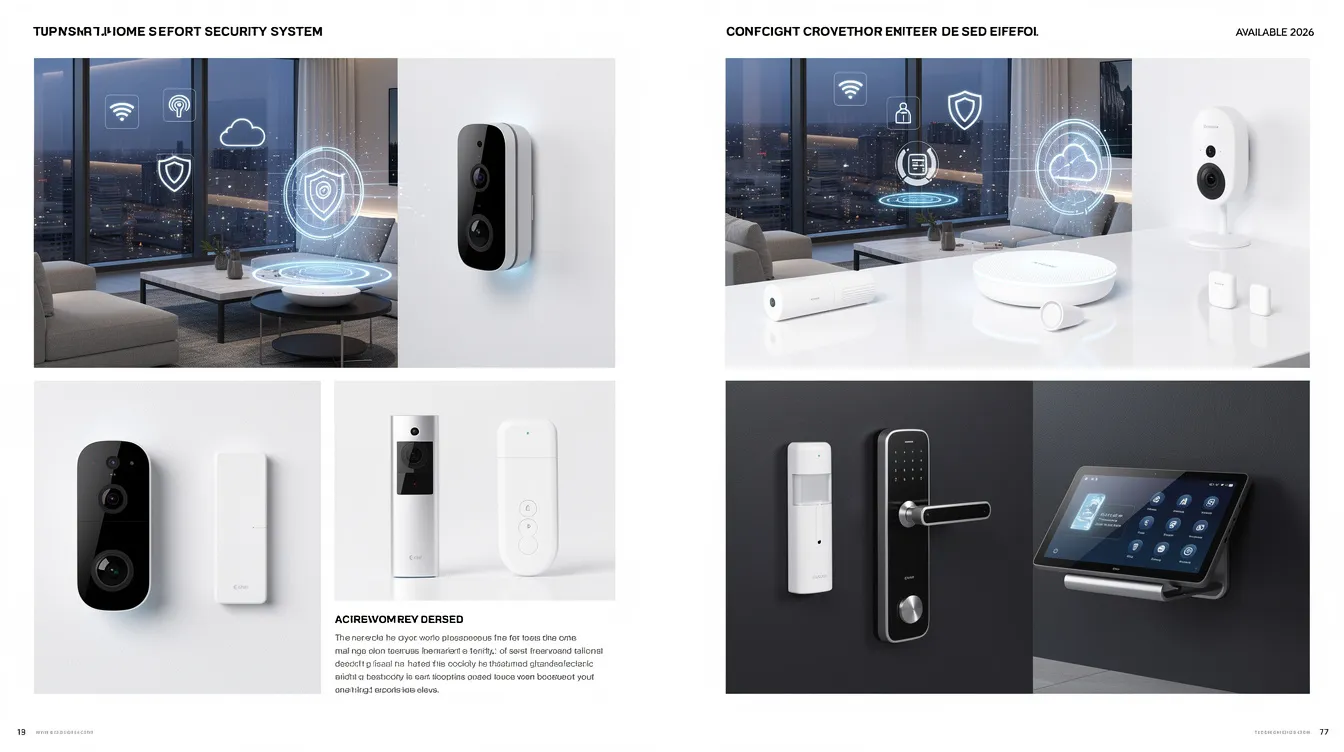
Security is a top priority when choosing a smart home security system. In 2026, several systems stand out for their unique contributions to home automation. Systems like Vivint, SimpliSafe, Frontpoint, and Abode offer a range of features and customization options to suit different needs. These systems have been evaluated based on their reliability, ease of use, and advanced automation features.
Flexibility and customization are key factors in selecting the best system. Frontpoint and Abode, for instance, are highlighted for offering more customization and flexibility. By understanding the strengths of each system, homeowners can choose the one that best aligns with their security needs and preferences.
SimpliSafe - Best DIY System
SimpliSafe is renowned for its easy installation, making it an excellent choice for DIY enthusiasts. Often, the simplisafe security system can be set up in under an hour, allowing homeowners to quickly secure their properties without professional help. This simplicity doesn’t compromise on customizability. SimpliSafe provides essential equipment such as:
- a base station
- burglary sensors
- cameras
- hazard sensors
- a keypad with physical buttons allowing users to tailor the system to their specific needs.
Monitoring options with SimpliSafe are flexible, offering both self-monitoring plans with no contracts and professional monitoring starting at $22.99 per month. This flexibility allows users to select a plan that fits their budget and monitoring preferences. Additionally, SimpliSafe’s products demonstrate strong reliability, featuring cellular and battery backup to operate during power outages. Cellular backup is a critical feature that ensures the system continues to function and send alerts even if Wi-Fi is down, providing continuous protection and peace of mind.
SimpliSafe’s SecureScore™ rating of 9.2 out of 10 reflects its well-recognized performance and reliability. This high rating reflects the system’s effectiveness in protecting homes and providing peace of mind to homeowners.
ADT - Best for Professional Monitoring
ADT is a leader in professional monitoring services, offering extensive coverage and reliability. For $29.99 per month, homeowners receive 24/7 monitoring by trained professionals, providing constant surveillance and quick response to alerts. ADT’s monitoring centers provide coverage even if the internet connection is lost, adding another layer of reliability.
ADT’s high-quality equipment is another standout feature. ADT also offers professional installation for its systems, ensuring optimal placement and setup for maximum coverage and functionality. The basic equipment packages start at $349 and includes high-quality devices like Google Nest cameras, which are known for their advanced features, including facial recognition technology. ADT’s extensive lineup of smart devices integrates seamlessly with Google technologies, enhancing the overall security ecosystem.
The ADT+ mobile app enhances usability by enabling users to control system settings, manage smart locks and lights, and receive notifications. Regarded as one of the best in the industry, this app offers a user-friendly interface for straightforward and convenient home security management.
Vivint - Best Custom Features
Vivint’s smart home security system is known for its advanced AI camera technology, which effectively detects and deters intruders. The system’s automation capabilities are impressive, with features that trigger loud sounds, light up when sensors trip, and simulate occupancy to enhance home security. Vivint also offers active guard outdoor protection, a specialized feature for outdoor areas that provides real-time alerts and enhanced outdoor security coverage. These advanced features make Vivint a top choice for those seeking a highly customizable and automated security solution.
Although Vivint’s pricing reflects its premium features, the value provided is substantial. The system offers text alerts during alarm events to keep homeowners informed and provides a streamlined user experience.
One limitation is that Vivint’s equipment won’t work with other systems if the monitoring plan is canceled, making it essential to consider long-term use when choosing this system.
Frontpoint - Best Geofencing System
Frontpoint stands out for its advanced geofencing technology, which automates security functions based on the user’s location. This technology enables the system to perform actions such as arming or disarming automatically as users enter or exit defined geographical boundaries. This automation ensures the system is always active when needed, reducing the risk of human error and enhancing home security.
Frontpoint’s geofencing significantly improves home security’s convenience and effectiveness, making it a top choice for tech-savvy homeowners.
Abode - Best for Home Automation
Abode stands out for home automation, seamlessly integrating with major smart home platforms like Amazon Alexa, Google Home, and Apple HomeKit. This compatibility allows users to control their security system alongside other smart home devices and the abode app, creating a cohesive and automated home environment.
With an average setup time of under 15 minutes, Abode is an easy DIY option requiring no drilling, wiring, or technician visits. Abode offers both self-monitoring and professional monitoring options, allowing users to choose the level of surveillance that fits their needs.
Abode’s CUE home automation engine enhances its capabilities, allowing users to create automated actions using triggers and conditions. Abode supports a wide range of smart home equipment, including compatibility with third party equipment such as Zigbee or Z-Wave devices. Smart bulbs can also be integrated into Abode’s automation routines, enabling users to automate lighting based on events or schedules. This flexibility and ease of use make Abode an excellent choice for those looking to integrate their security system with a broader smart home setup.
How to Choose the Right Smart Home Security System
Smart home security system guide – top smart home security systems in 2026
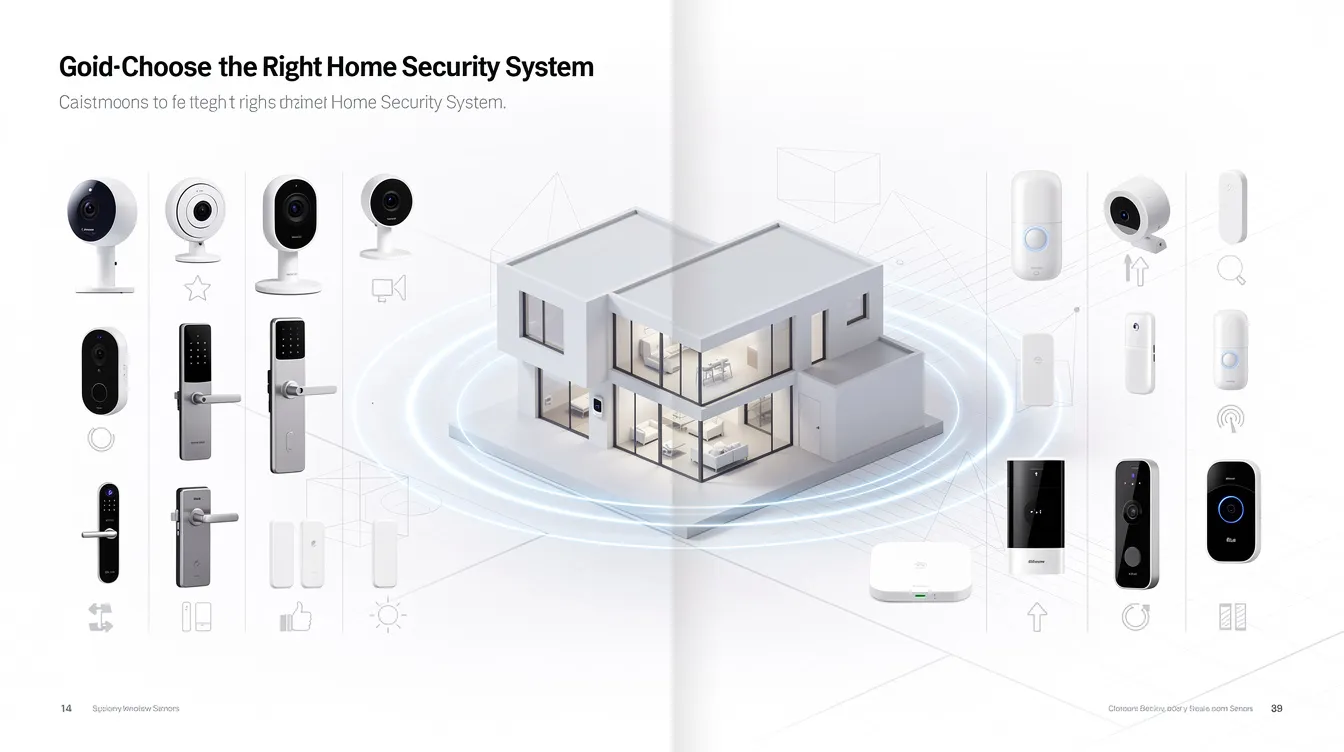
Start by evaluating your individual requirements and preferences when choosing a smart home security system. Look at the home security guide if the recommended security options don’t seem like a good fit. The testing methodology assessed over 30 systems based on equipment quality, monitoring capabilities, and overall value.
Considering your budget is also crucial. The costs of self-monitoring security systems and professional monitoring plans can vary, so it’s essential to factor in both initial costs and ongoing fees. Additionally, smart home features can improve security by integrating automation and control over various devices.
Assess Your Needs
When assessing your home’s security needs, consider factors like:
- The size of your property: A larger home may require more security cameras and sensors to cover all entry points effectively.
- Its location: Homes in areas with higher crime rates might benefit from more advanced security systems with professional monitoring.
- Specific risks related to your property.
Identifying these specific risks and needs will help you choose the most suitable system for your home.
Budget Considerations
Budgeting for a smart home security system involves accounting for various cost factors, including initial equipment costs and ongoing subscription fees. Initial costs can vary significantly between systems, depending on the equipment and features offered. Some systems may require a higher upfront investment but offer lower monthly fees, while others might have lower initial costs but higher ongoing fees.
Also, consider potential savings from insurance discounts and energy efficiency. Many insurance companies offer up to 20% premium discounts for homeowners who install smart home security systems due to the reduced risk. Additionally, integrating smart home devices like thermostats can optimize energy usage, contributing to lower utility bills.
Integration with Existing Devices
Compatibility with existing smart home platforms is crucial for an effective security system. Systems like Vivint and Abode integrate seamlessly with popular platforms such as:
- Google Home
- Alexa
- Apple HomeKit This integration allows for enhanced automation and control, enabling users to manage their security system alongside other smart home devices, creating a cohesive and convenient home environment through smart platform integration.
Moreover, integrating third-party devices like smart locks and doorbell cameras can enhance the functionality of your security system. For example, automating lights to turn on when motion is detected can deter intruders and improve overall home security. Smart lights can also be set to operate automatically based on schedules, events, or conditions like sunset, further enhancing convenience and security. Users can manage and control their smart home security system and automations directly from a mobile device using the system’s app. Choosing a system compatible with your existing devices will maximize its effectiveness and convenience.
Installation Tips for DIY Home Security Systems
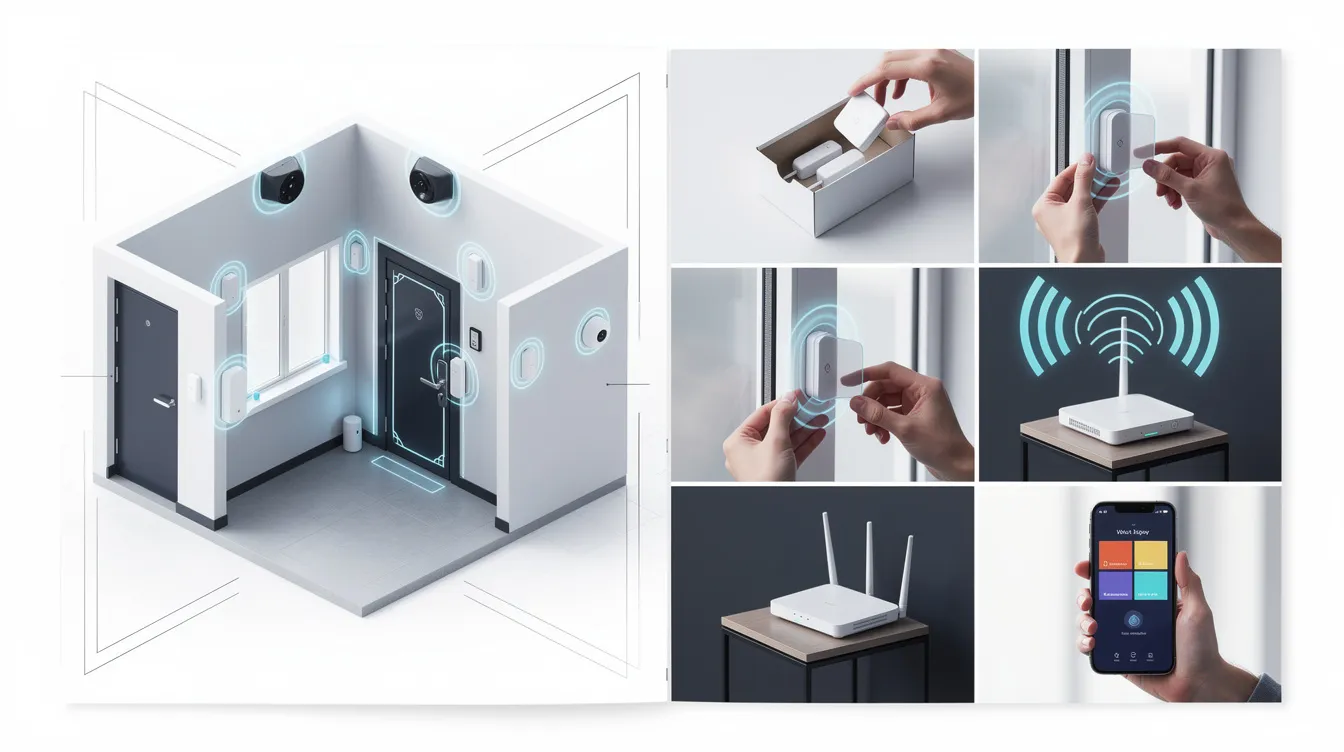
Installing a DIY home security system can be a rewarding experience, but it requires careful planning and execution. Before installation, prepare all necessary equipment and tools to streamline the process. Reviewing the manufacturer’s instructions carefully can help you familiarize yourself with the system components and installation steps for your diy security system.
Avoid common mistakes by optimally placing sensors, configuring the control panel correctly, and positioning cameras and sensors to maximize coverage while minimizing blind spots. Proper placement and configuration are crucial for your security system’s effectiveness.
Step-by-Step Installation Guide
Start by designing your custom kit and ensuring that the installation is simple, with minimal tools required. Systems like Abode can be installed without professional help, with the installation time varying between systems. For example, ADT takes about 35 minutes, while Cove can be set up in less than 30 minutes. Charge devices overnight if needed and check for connectivity to your home Wi-Fi. With ADT self setup, you can enjoy a hassle-free installation experience.
Once all components are installed:
- Assemble and activate the system to ensure it functions correctly.
- Confirm that all devices are working as intended.
- Verify that your home is fully protected.
Common Installation Mistakes
Key considerations for security device installation include:
- Avoid improper placement, such as installing cameras facing away from entry points, as it reduces their effectiveness.
- Ensure each device has a constant power source.
- Conduct a functionality test after installation to verify proper operation.
These vital steps are often overlooked.
Regular software updates prevent vulnerabilities and ensure optimal performance.
Optimizing Placement of Security Devices
Optimal placement is essential for maximizing coverage and minimizing blind spots. Position cameras and sensors in corners, near entry points, and areas prone to movement for better surveillance.
Well-placed devices can significantly improve the detection and prevention of security breaches, enhancing the overall effectiveness of your security equipment to actively deter intruders and facilitate intruder intervention using the same equipment.
Advanced Smart Home Features
Smart home security system guide – installation tips for diy home security systems
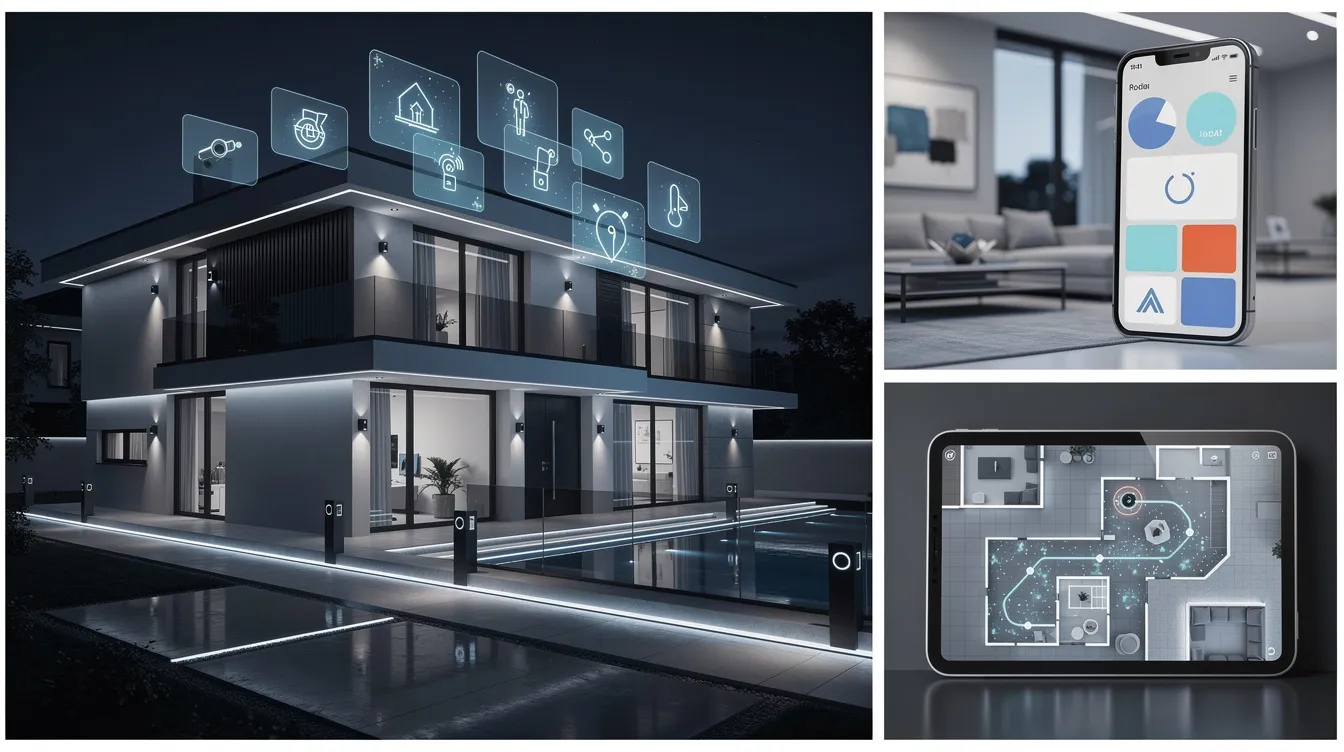
Integrating various devices and other smart devices into your smart home security system can create a highly effective and user-friendly network. Modern systems incorporate smart devices like lights and thermostats, enhancing overall security and convenience. Compatibility with platforms like Amazon Alexa or Google Home enhances functionality.
Entry sensors and smart locks are critical components that significantly enhance home security and security sensors. Entry sensors alert homeowners when doors or windows are opened, providing real-time awareness. Smart locks offer keyless entry and remote locking/unlocking, enhancing convenience and control.
These advanced features collectively create a robust and secure smart home environment.
Voice Control
Integrating voice assistants like Alexa and Google Assistant with your smart home security system provides advanced automation features and enhances user experience. Systems like SimpliSafe and Vivint support voice commands, simplifying security management.
This compatibility streamlines control, adding an extra layer of convenience.
Smart Locks and Entry Sensors
Smart locks offer customization in home security, allowing users to unlock doors using PIN codes, biometrics, or smartphone applications. These locks often include features like remote locking and unlocking, providing enhanced convenience and security.
Entry sensors alert homeowners when front door or windows are opened, contributing to real-time awareness of home security. Combined with smart locks, these sensors create a comprehensive security solution, enhancing both convenience and protection.
Live Video Monitoring
Live video monitoring allows homeowners to keep an eye on their property at all times, significantly enhancing security. This feature provides real-time awareness, increasing peace of mind and enabling quick response to potential threats.
Remote access to security cameras through smartphone apps allows users to check on their homes from anywhere, adding an additional layer of security and convenience. Real-time video surveillance and alerts keep homeowners informed of any unusual activities, improving overall home security with a wireless indoor camera. Additionally, users can find free hd camera links to enhance their security setup.
Professional vs. Self-Monitoring
Professional monitoring offers constant surveillance by trained teams, providing peace of mind and rapid response to emergencies. Self-monitoring can be a cost-effective alternative but comes with the risk of missing critical alerts. Choosing to setup monitoring between professional and self-monitoring depends on individual budget, risk tolerance, and desired level of convenience.
Smart locks enhance security for both smart monitoring types by allowing remote control over home entry points, adding convenience to the overall system. Understanding the pros and cons of each option can help homeowners make an informed decision.
Professional Monitoring Plans
Professional monitoring plans in smart home security systems provide 24/7 access and rapid response to emergencies. Costs can vary widely, typically ranging from $15 to $53 per month, depending on the services provided. SimpliSafe, for example, offers professional monitoring options that include a rapid response system for intruder detection.
Some services require long-term contracts, while others offer flexibility, allowing homeowners to choose a plan that fits their needs and budget. The benefits of professional monitoring include constant surveillance, peace of mind, and immediate response to alerts, including emergency services and contacting emergency services.
Premium Self-Monitoring Plan
Premium self-monitoring options provide an affordable alternative to professional monitoring, with costs starting around $19.99 per month. Basic smart home controls with Abode do not require a subscription, making it an affordable choice for budget-conscious users.
Advanced features in premium self-monitoring plans include event history and customer support, enhancing the user experience. While flexible monitoring plans can be more affordable, they may lack certain advanced functionalities compared to professional plans.
Maintaining Your Smart Home Security System
Regular maintenance ensures the optimal performance and longevity of your smart home security system. This includes routine checks, software updates, and battery maintenance. Regular maintenance helps identify and address potential issues before they become serious, ensuring continuous protection and an equipment warranty.
Neglecting maintenance can lead to system failures and reduced effectiveness, compromising your home’s security. Establishing a regular maintenance schedule prolongs the life of your system and maintains its effectiveness.
Regular System Checks
Routine tests are essential to identify malfunctions and ensure all components are working correctly. Regular physical inspections to clean devices and ensure proper positioning help maintain the system’s effectiveness. Identifying potential issues early through routine checks ensures continuous protection and optimal performance.
Software Updates
Keeping your smart home security system’s software updated maintains security and accesses the latest features. Regular updates enhance security by patching vulnerabilities and providing new functionalities, ensuring your system remains effective and secure.
Battery Maintenance
Regularly checking and replacing batteries in wireless devices prevents unexpected failures and ensures continuous operation. Proactive battery management prevents system failures during critical moments and ensures your security system remains functional.
Summary
Smart home security systems offer a range of benefits, from enhanced safety to convenient remote access and integration with other smart devices. By understanding the key components, benefits, and top systems available in 2026, homeowners can make informed decisions to protect their homes effectively.
Whether you choose a DIY system like SimpliSafe, professional monitoring from ADT, or the advanced features of Vivint, maintaining your system through regular checks, software updates, and battery maintenance is crucial. Investing in a smart home security system is an investment in peace of mind and the safety of your home.
Frequently Asked Questions
What are the key components of a smart home security system?
A smart home security system typically includes security cameras, motion detectors, door/window sensors, and control panels. These components work together to enhance your home’s security effectively.
How do I choose the right security system for my home?
To choose the right security system for your home, evaluate your home’s size, location, potential risks, budget, and how well it integrates with existing smart devices. This approach ensures you select a system tailored to your specific needs.
What are the benefits of smart locks and entry sensors?
Smart locks enhance security with keyless entry and remote access, while entry sensors deliver immediate alerts for any door or window activity, ensuring peace of mind. These features collectively create a more secure and convenient home environment.
How do professional monitoring plans differ from self-monitoring?
Professional monitoring provides continuous surveillance by trained experts, ensuring immediate response to alerts, whereas self-monitoring is more cost-effective but relies on individual management of alerts.
How can I maintain my smart home security system effectively?
To maintain your smart home security system effectively, regularly conduct system checks, update software, and monitor battery levels in wireless devices. This ensures optimal performance and enhances your home’s security.