Smart home device cybersecurity is essential to protect against hacking and data theft, especially for vulnerable devices like baby monitors. This article offers practical steps to secure your devices, like securing your Wi-Fi, updating firmware, and using strong passwords.
Key Takeaways
- Securing your Wi-Fi network with strong passwords and WPA3 encryption is crucial for protecting all smart home devices.
- Regular firmware updates, strong passwords, and multi-factor authentication are essential practices to safeguard against vulnerabilities and unauthorized access.
- Creating separate networks for different devices and monitoring network activity help prevent data breaches and enhance overall security in smart homes.
- Consider your own comfort level with privacy and convenience when choosing and configuring smart home devices, balancing the benefits of automation with your personal privacy thresholds.
Secure Your Wi-Fi Network
Smart home device cybersecurity – key takeaways

Your Wi-Fi network connects all your smart home devices to the internet, making its security paramount. To enhance your network’s security:
- Change the default SSID (Service Set Identifier) of your router, as default settings are easily exploited by hackers.
- Change the default passwords of your router.
- Create a unique SSID and a strong password to significantly enhance your network’s security.
WPA3 encryption protocols offer enhanced security features compared to older protocols like WPA2, making it harder for cybercriminals to intercept your network traffic. Configure your router to use WPA3, and if it doesn’t support it, consider upgrading to a compatible router to protect your network from modern cyber threats.
Regular firmware updates from manufacturers address security vulnerabilities and improve performance. To enhance your router’s security:
- Set a reminder to check for updates if your router doesn’t update automatically.
- Disable remote management features.
- Enable a guest network for visitors to prevent unauthorized access to your primary network.
- Segment your network by placing smart home devices on a separate network from other connected devices and other devices. This separation helps ensure that if one IoT device is compromised, it cannot easily affect the rest of your home network.
Regular Firmware Updates
Firmware updates, often overlooked, are vital for device security. Consumers frequently underestimate the need for updating older devices and non-phone devices like smart cameras and speakers, leaving them vulnerable. Regular updates patch security vulnerabilities and introduce new features, making it harder for hackers to exploit your devices. Companies are responsible for providing timely firmware updates and maintaining security standards for their devices, ensuring that users have access to the latest protections.
Most smart home devices offer automatic and manual firmware updates:
- Automatic updates ensure your devices are always up to date effortlessly.
- For devices that don’t support automatic updates, regularly check device settings or the manufacturer’s website for new versions.
- Setting reminders can help you stay on top of critical updates.
Security risks can accompany firmware updates. Insecure update mechanisms might install malicious code or corrupt firmware. Ensure updates come from official sources and verify their integrity if possible. Staying vigilant and proactive helps keep your smart home devices secure and running smoothly.
Use Strong Passwords
Smart home device cybersecurity – regular firmware updates
Passwords act as the first line of defense against unauthorized access to your smart devices. To enhance security:
- Use strong, unique passwords for each device and account to prevent security breaches.
- Avoid weak passwords, as they can cause severe issues like network breaches and distributed denial-of-service (DDoS) attacks.
- Avoid common weaknesses such as default or hardcoded passwords, which are easily exploitable, including reused passwords.
Strong passwords combine upper and lower case letters, numbers, and symbols. A random string of characters is ideal, but a memorable phrase made up of unrelated words can also be effective. Never reuse the same password across different accounts, as this practice increases the risk of being hacked if one account is compromised.
Consider using a password manager to further enhance your security. These tools generate and store complex passwords, ensuring you don’t have to remember them all. Adopting these best practices protects your smart home devices from unauthorized access and potential cyber threats.
Enable Multi-Factor Authentication
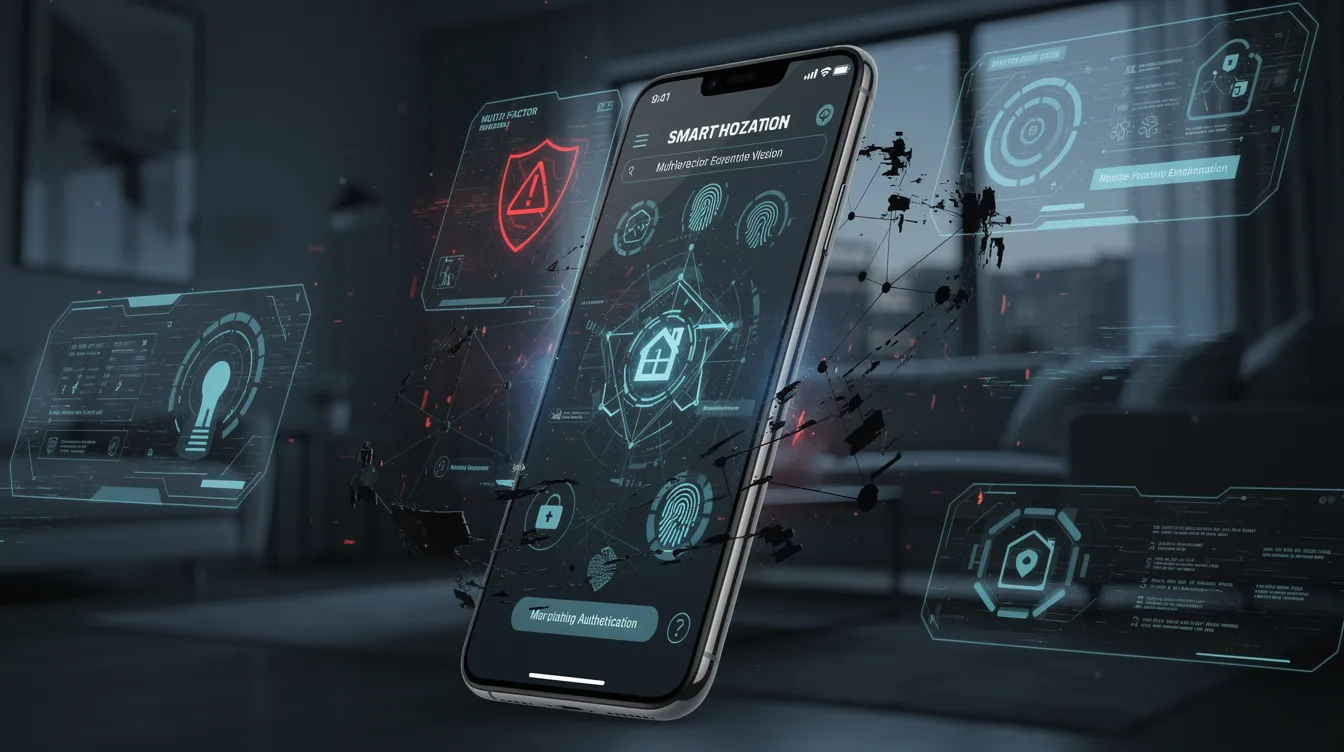
Multi-factor authentication (MFA), also known as two factor authentication, adds an extra layer of protection to your smart home devices. MFA requires a password plus a second form of authentication, like a code sent to your phone or generated by an authenticator app. This additional step makes it significantly harder for hackers to access your accounts, even if they have your password.
Several popular smart home devices, including Amazon Echo, Arlo, Google Nest, and Ring, support multi-factor authentication. Enabling MFA on these devices provides robust protection against unauthorized access. To set up MFA, you may need to scan a QR code with an authenticator app, which will then generate time-based codes for logging in.
For older applications or services that don’t support MFA directly, consider generating app-specific passwords. These allow you to maintain the security benefits of MFA while ensuring compatibility with legacy systems. Enabling MFA significantly enhances the security of your smart home ecosystem.
Separate Networks for Different Devices
Smart home device cybersecurity – enable multi-factor authentication

Creating separate networks for your smart home and personal devices enhances overall network security by:
- Minimizing the risk of a single compromised device affecting your entire home network.
- Protecting sensitive data from unauthorized access through network segmentation.
- Defending against hackers who often target IoT devices with varying security levels.
Putting your smart home equipment on a separate network band offers several security benefits:
- Prevents unauthorized access to personal devices and sensitive information.
- Ensures that even if a hacker gains access to one smart device, they cannot easily infiltrate your primary network.
- Utilizing private networks can further secure message transfers between IoT devices, adding another layer of protection.
Compromised smart home devices can also be leveraged in large-scale attacks against a service provider, potentially disrupting internet infrastructure and affecting many users beyond your home.
When setting up separate networks, use a different SSID and strong password for each. Ensure your router supports guest networks or VLANs (Virtual Local Area Networks) to facilitate this separation. Following these best practices significantly reduces the risk of data breaches and enhances your smart home’s security.
Monitor Network Activity
Monitoring your network activity helps detect unusual behavior that could indicate a security breach. For example, regularly analyzing network traffic patterns helps identify unauthorized access attempts and potential threats through research. Hackers often use botnets made up of compromised computers and IoT devices to launch large-scale attacks on servers and online services. Keeping a close eye on your same network enables you to quickly connect to anomalies and prevent security violations.
Several tools can help you monitor your entire network effectively. Products like Firewalla and Wireless Network Watcher provide real-time alerts for unusual activities, allowing prompt intervention. These tools also visualize network activity, making it easier to identify areas of concern and take appropriate action.
Consider the following actions to protect your smart home from cyber threats:
- Implement automated responses to detected threats.
- Quarantine devices based on anomalous behavior to effectively mitigate potential risks.
- Maintain vigilance and leverage advanced network monitoring solutions.
Secure Boot and Mutual Authentication
Secure Boot ensures only trusted code runs on your devices by validating the boot process’s integrity. This prevents unauthorized code from executing, protecting your devices from potential attacks. The security measure relies on a hardware-based Root of Trust to verify software during startup.
Failures in Secure Boot can lead to vulnerabilities, allowing malicious code to compromise your devices. Such failures can result in significant security issues for smart home devices, making them more susceptible to attacks and unauthorized access. Ensure that Secure Boot is enabled and functioning correctly on all your smart home devices. This guarantees that only verified software loads during device startup, providing robust defense against cyber threats.
Mutual Authentication requires both the device and the server to verify each other’s identities using cryptographic keys. This ensures data exchanges are legitimate and protected from unauthorized access. Implementing Secure Boot and Mutual Authentication enhances the security of your smart home devices and safeguards against potential attacks.
Encrypt Data Transfers
Encryption protects data in transit between your devices and cloud services. Without it, sensitive data can be intercepted and accessed by unauthorized parties, leading to potential breaches. Encryption ensures that even if data is intercepted, it remains unreadable and secure. Implementing strong encryption is especially critical in IoT applications to safeguard data integrity and privacy across interconnected devices.
A major threat to IoT security is the lack of encryption, leading to significant data breaches and security threats. To maintain privacy and confidentiality, consider the following:
- Secure all data received or transmitted across networks.
- Use updated cryptographic network protocols to protect data communications.
- Prevent digital eavesdropping by ensuring strong encryption measures are in place.
To enhance protection during data transfers, ensure your devices and services use strong encryption methods, such as TLS (Transport Layer Security). Regularly update your encryption protocols to keep up with evolving security standards. Prioritizing encryption protects your smart home data from unauthorized access and ensures a secure digital environment.
Physical Security Measures

Physical security is fundamental for protecting your IoT devices, especially those in remote or vulnerable locations. Using resilient components makes it more difficult for unauthorized individuals to access and tamper with your data. Robust enclosures prevent tampering and environmental damage, ensuring the longevity, security, and technology of your devices.
Implementing physical access control systems limits who can physically access your IoT devices, enhancing security in sensitive areas. Using tamper-evident seals helps detect unauthorized access attempts, allowing prompt action. Regular audits of device configurations and access logs should be part of your security routine to prevent unauthorized changes and maintain device integrity.
Prioritizing physical security measures protects your IoT devices from physical attacks, ensuring they remain secure iot devices and functional.
Manage Device Permissions
Adjusting device permissions and tracking settings protects your privacy. Many smart devices come with default settings that may collect more data than necessary, posing a risk to your personal information. For smart TVs, changing tracking settings and removing unused apps enhances your privacy. For voice assistants, review and limit their permissions to minimize data collection and protect your privacy.
To enhance security for your IP cameras and connected devices:
- Regularly monitor access logs on IP cameras to identify unauthorized access, such as unrecognized IP addresses or odd access times.
- Ensure each device connected to your router is monitored for suspicious activity. If a device is compromised, be able to remotely deactivate it to prevent further damage and gain access to the system securely.
Not safeguarding personal data collected by IoT devices can result in hefty fines, damage to reputation, and a decline in business. Managing device permissions and regularly monitoring activity safeguards your privacy and protects your smart home from potential threats, including identity theft. This is a shared responsibility.
Summary
In summary, securing your smart home devices requires a multi-faceted approach. Start by securing your Wi-Fi network with strong passwords, WPA3 encryption, and regular firmware updates. Use strong, unique passwords for each device and enable multi-factor authentication wherever possible. Separate your networks to isolate high-risk devices and monitor network activity for any unusual behavior.
Implement Secure Boot and Mutual Authentication to ensure only trusted code runs on your devices and encrypt data transfers to protect sensitive information. Enhance physical security measures and manage device permissions to protect your privacy and prevent unauthorized access. By following these tips, you can significantly reduce the risk of cyber threats and create a secure smart home environment.
In the interconnected IoT world, evolving threats from other hackers continue to challenge device security, making ongoing vigilance essential. We hope this guide has provided you with valuable insights and practical steps to enhance your smart home cybersecurity. Remember, the effort you put into securing your devices today will pay off in peace of mind and protection against potential cyber threats. Stay vigilant and proactive in your cybersecurity practices to keep your smart home safe and secure.
Frequently Asked Questions
Why is it important to change the default SSID and password of my router?
It’s crucial to change the default SSID and password of your router to bolster security and prevent unauthorized access, as default settings are commonly exploited by hackers. Taking this simple step can significantly protect your network and personal information.
How often should I check for firmware updates on my smart devices?
You should regularly check for firmware updates or set reminders for devices that do not support automatic updates to maintain their security and functionality. This proactive approach helps protect against vulnerabilities effectively.
What makes a password strong and secure?
A strong and secure password incorporates a mix of upper and lower case letters, numbers, and symbols, or utilizes a memorable phrase composed of random words. This combination enhances security and makes it more difficult for unauthorized access.
How does multi-factor authentication enhance security for smart home devices?
Multi-factor authentication enhances security for smart home devices by requiring both a password and an additional form of verification, significantly increasing protection against unauthorized access. This added layer makes it much more challenging for hackers to compromise your devices.
What is the benefit of separating networks for smart home devices and personal devices?
Separating networks enhances security by reducing the risk of a compromised device from impacting your entire home network, thereby safeguarding sensitive data from unauthorized access. This practice ensures a more secure smart home environment.